 DailyWall
Pick three to five habits you genuinely want to build, make each one small and specific (“read 10 pages”, not “read more”), and draw a simple monthly grid with days across and habits down. Fill in a square right after you do the habit. Keep the tracker where you look every day, in your journal or on your Lock Screen, and don’t punish missed days.
Habit tracker ideas fall into two questions: what should I track, and how should the tracker look? Most people get stuck on the second one and spend an evening drawing a beautiful grid with fifteen habits, then stop filling it in by the second week. This post answers both questions in the right order. First, 50 habit ideas grouped into eight areas of life, so you can pick the three to five that matter to you right now. Then eight bullet journal habit tracker layouts, from the classic monthly grid to a minimalist three-habit strip. Finally, how to keep a habit tracker going, and how to put the same habits on your iPhone Lock Screen so you see them before you forget them.
How to choose habits worth tracking
A habit tracker works best when every row is something you actually want to do, not something you feel you should do. Before you pick from the list below, ask three questions about each habit.
Is it specific? “Exercise” is hard to tick. “20-minute walk” is easy. If you can’t tell at a glance whether you did it, rewrite it.
Is it small enough for a bad day? The habit should still be possible when you’re tired, busy or ill. You can always do more; the tracker only asks for the minimum.
Does it happen most days? Daily or almost-daily habits suit a grid. Things you do once a week fit better in a weekly list or a monthly goal.
Start with three to five habits. It’s tempting to track everything, but each extra row makes the page feel more like homework. When a habit has become automatic (you do it without thinking for a few weeks), take it off the tracker and add a new one.
Health habit tracker ideas
Health habits are the most popular rows in any tracker, because they’re easy to measure and small improvements add up.
Tick the steps as you go
Movement and fitness habit ideas
For movement, track the action rather than the result. “Went for a walk” is in your control; your weight or step count on a given day often isn’t.
Tick the steps as you go
Mind and wellbeing habit ideas
Mind habits are harder to see from the outside, which is exactly why tracking them helps. A filled row is proof you looked after yourself.
Tick the steps as you go
Learning, productivity and creativity habit ideas
These habits are the ones people usually mean when they say they want to “grow” this year. Small daily doses beat weekend marathons.
Tick the steps as you go
Home, relationships and money habit ideas
The last group is about the life around you: your space, your people and your budget. These rows are often the ones that make a month feel calmer.
Tick the steps as you go
8 bullet journal habit tracker layouts
Now the fun part. These habit tracker for bullet journal layouts range from five-minute drawings to something more decorative. All of them work on a dot-grid page with a ruler and one pen.
Tick the steps as you go
How to keep using your habit tracker past week two
Week one is enthusiasm; week two is when the tracker is either part of your day or forgotten in a drawer. These habits around the habit tracker make the difference.
Fill it in straight away. Tick the box right after the habit, not at the end of the day from memory. If the tracker isn’t nearby, that’s a sign it lives in the wrong place.
Pair it with something you already do. Read after brushing your teeth, stretch after making coffee. This is called habit stacking, and our habit stacking post has dozens of examples.
Don’t break the page over a missed day. A gap isn’t a failure; it’s information. Many people find the “never miss twice” rule more useful than chasing a perfect row.
Review at the end of the month. Which habits filled up easily? Graduate them. Which ones stayed empty? Make them smaller, move them to a better time, or drop them without guilt.
Keep it visible. The biggest reason trackers fail is that you simply forget them. A tracker you see many times a day gets filled in far more often than one you have to go and find.
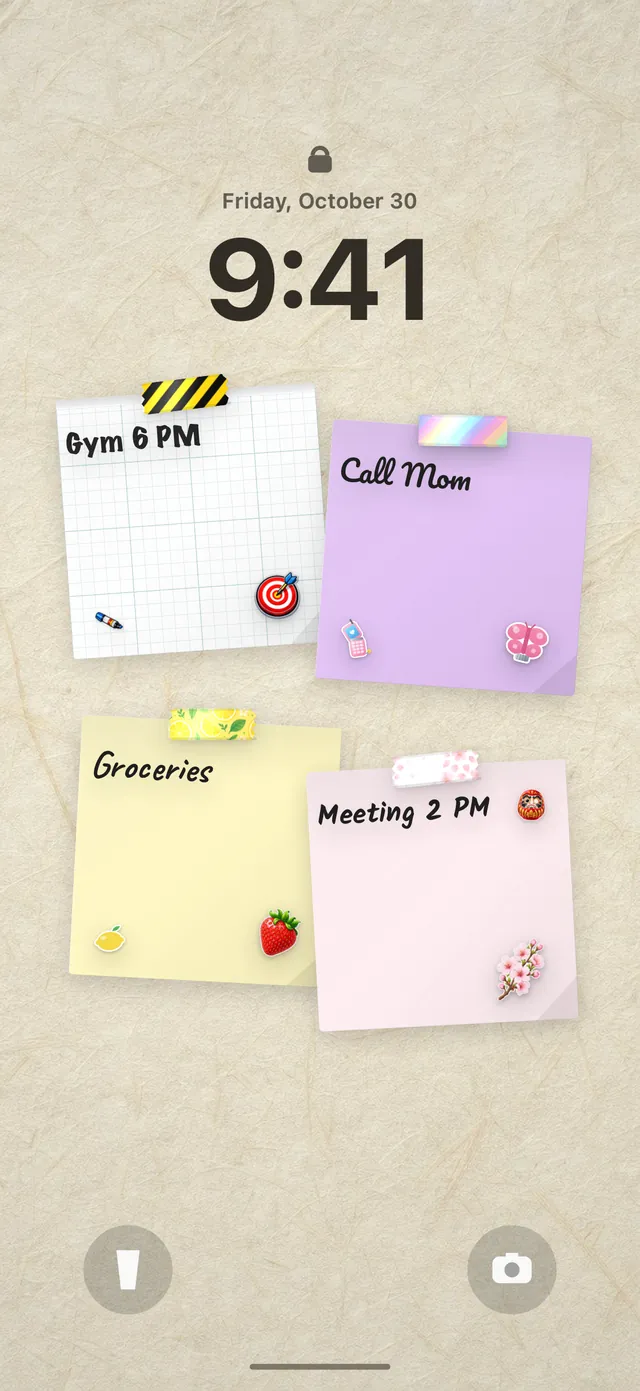
Put your habit tracker on your Lock Screen with DailyWall
A paper habit tracker is lovely, but it only reminds you when it’s open. Your phone’s Lock Screen is the one page you look at all day, which makes it a natural second home for your habits.
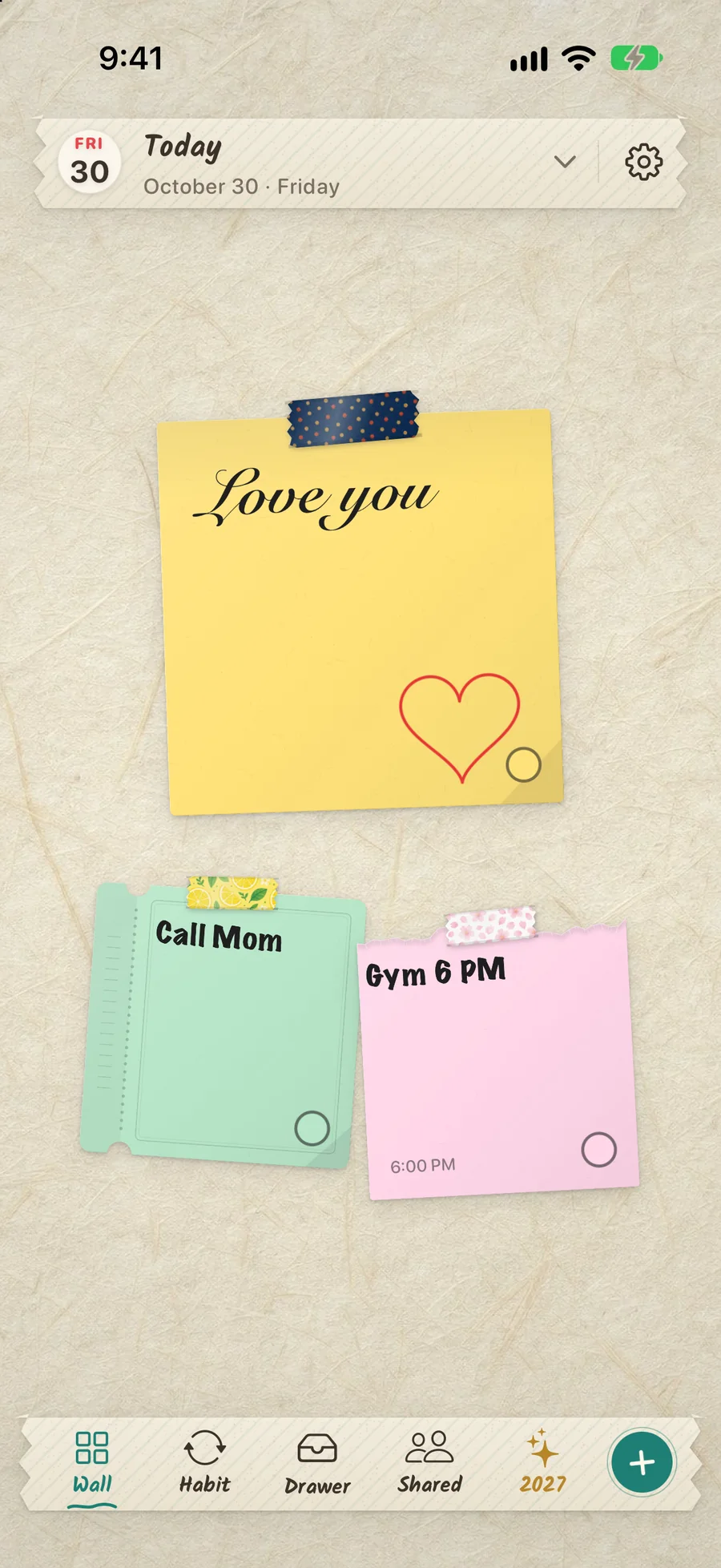
DailyWall is an iPhone and iPad app where every day has its own wall of paper notes, and that wall becomes your Lock Screen wallpaper through a Shortcuts automation you set up once. Habits are papers that hang themselves on your wall on the days you choose. There are ready-made habits in eight categories (Health, Movement, Mind, Learning, Productivity, Home & life, Relationships and Money), or you can create your own. Tap + on the paper to fill a progress dot, like 3 of 8 glasses of water. A missed day simply stays faded on its own day, and tomorrow starts fresh; nothing turns red. You also get gentle statistics, such as how many times you did it this week and your longest run of days. For a comparison with other apps, see our guide to the best habit tracker apps for iPhone.
Tick the steps as you go
Questions people ask
What habits should I track in my bullet journal?
Choose three to five habits you really want to build, such as drinking water, reading 10 pages, a short walk, journaling or going to bed on time. Make each one specific and small enough to do on a busy day.
How do I make a habit tracker in a bullet journal?
Draw a grid with your habits down the left and the days of the month across the top. Fill in a square each time you complete a habit. A ruler and a dot-grid page are all you need.
How many habits should I track at once?
Three to five is a good number. More rows make the tracker feel like a chore, and it’s easier to add a habit later than to keep up with many from the start.
What is the easiest habit tracker layout?
The classic monthly grid is the easiest to draw and read. If even that feels like too much, try a mini strip of three habits across the bottom of your monthly page.
What should I do when I miss a day on my habit tracker?
Leave the square empty and carry on tomorrow. A gap is information, not failure. Try not to miss twice in a row, and if a habit keeps getting missed, make it smaller or move it to a better time.
Can I use a habit tracker on my phone and in my journal?
Yes. Many people keep a paper tracker for the monthly overview and a phone version as a reminder during the day, then tick both in the evening.