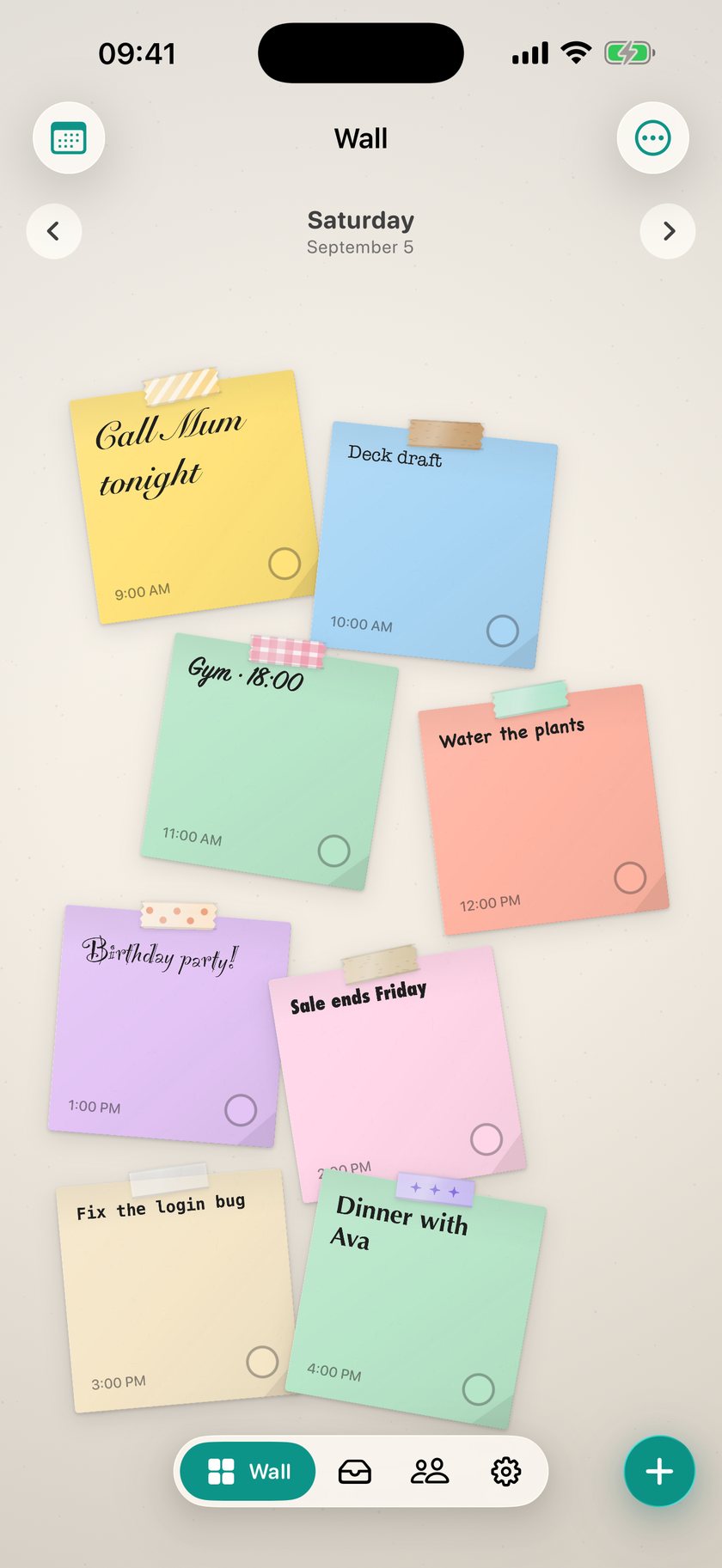
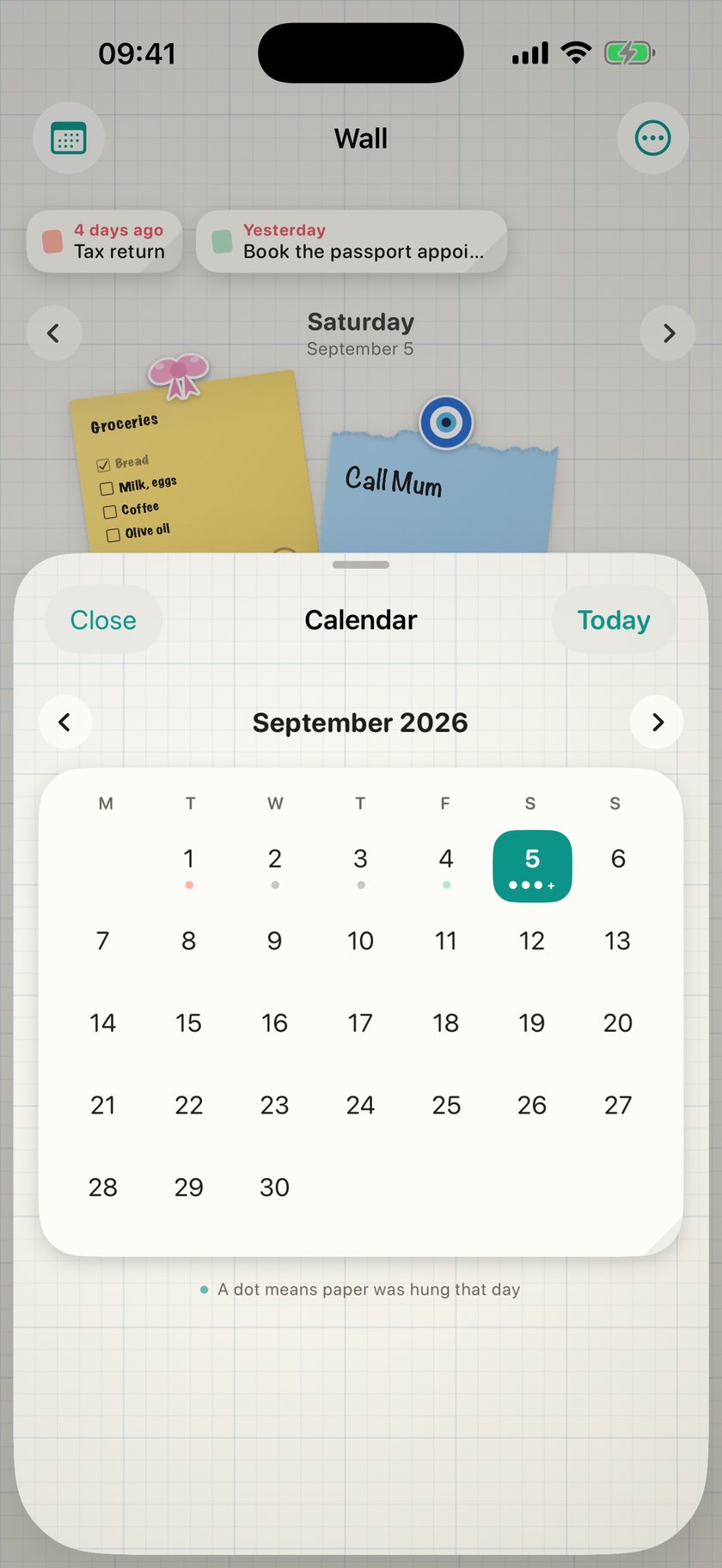
Tap an empty spot. Paper appears.
Type on it, or draw with a pencil; both live on the same sheet. Drag it where you like, turn it with two fingers. A list can tick things off; a wall lets you arrange them.

A to-do list isn't a list. It's paper you stick on a wall: write it, tape it up, decorate it. In the evening, your wall becomes your Lock Screen.
Free · No account · iOS 17 and later

Scroll. The phone stays; what's on it changes.
Type on it, or draw with a pencil; both live on the same sheet. Drag it where you like, turn it with two fingers. A list can tick things off; a wall lets you arrange them.

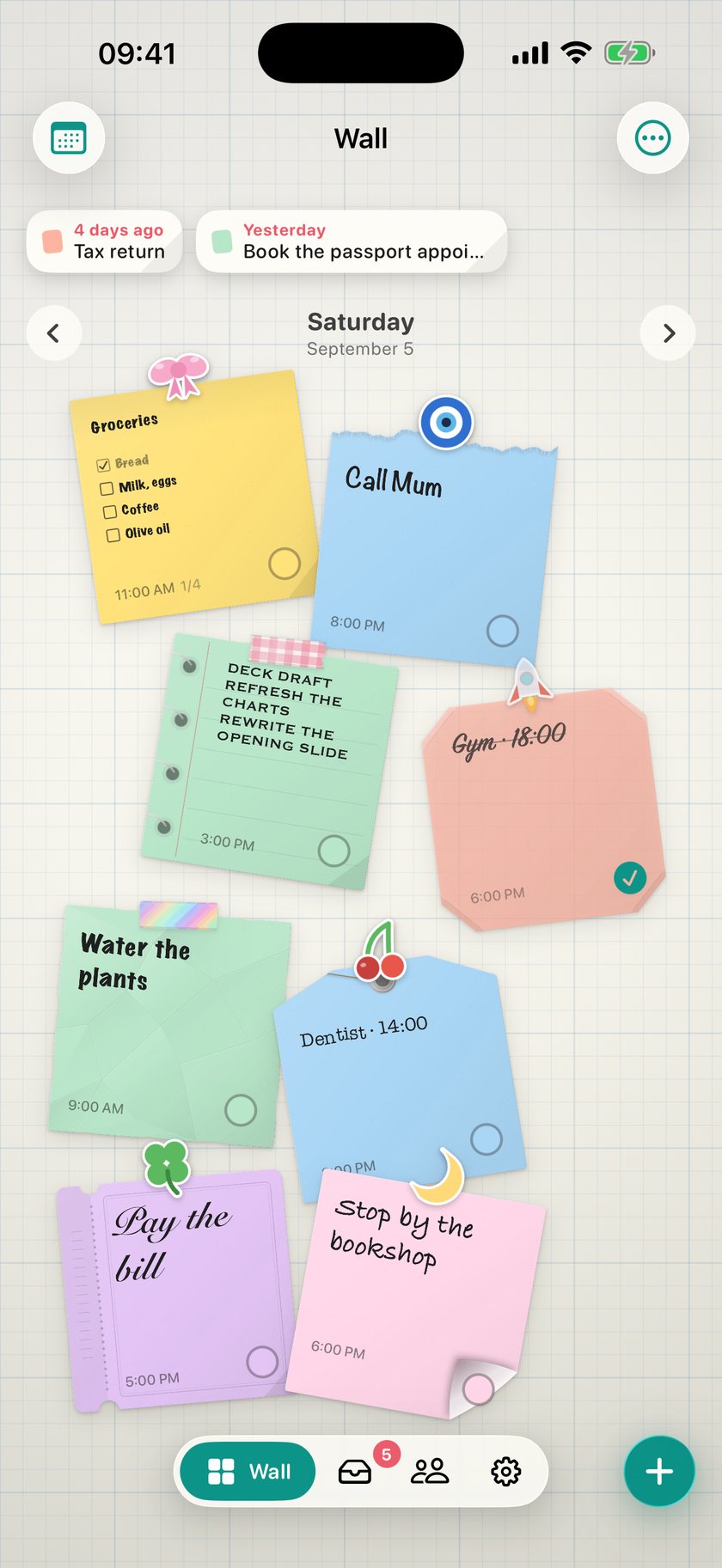
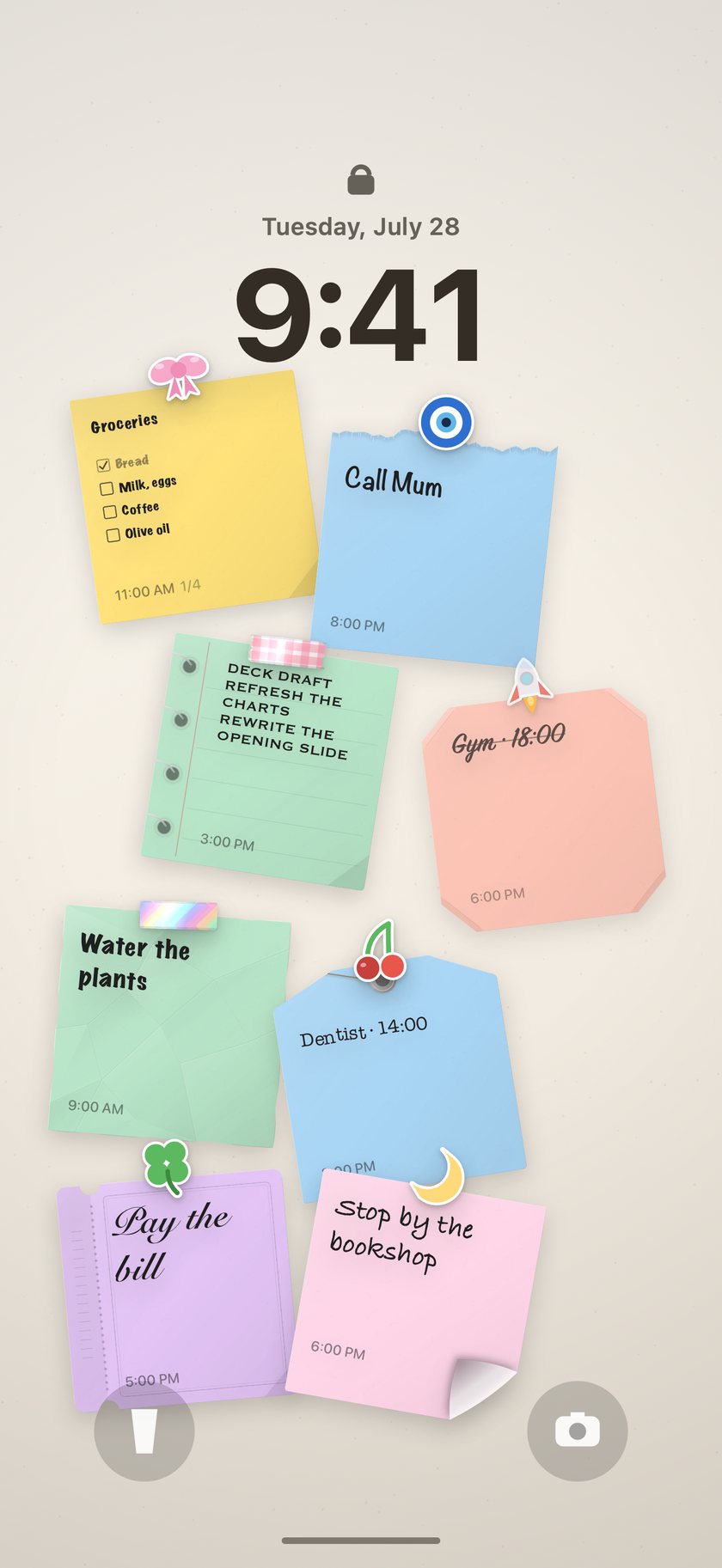
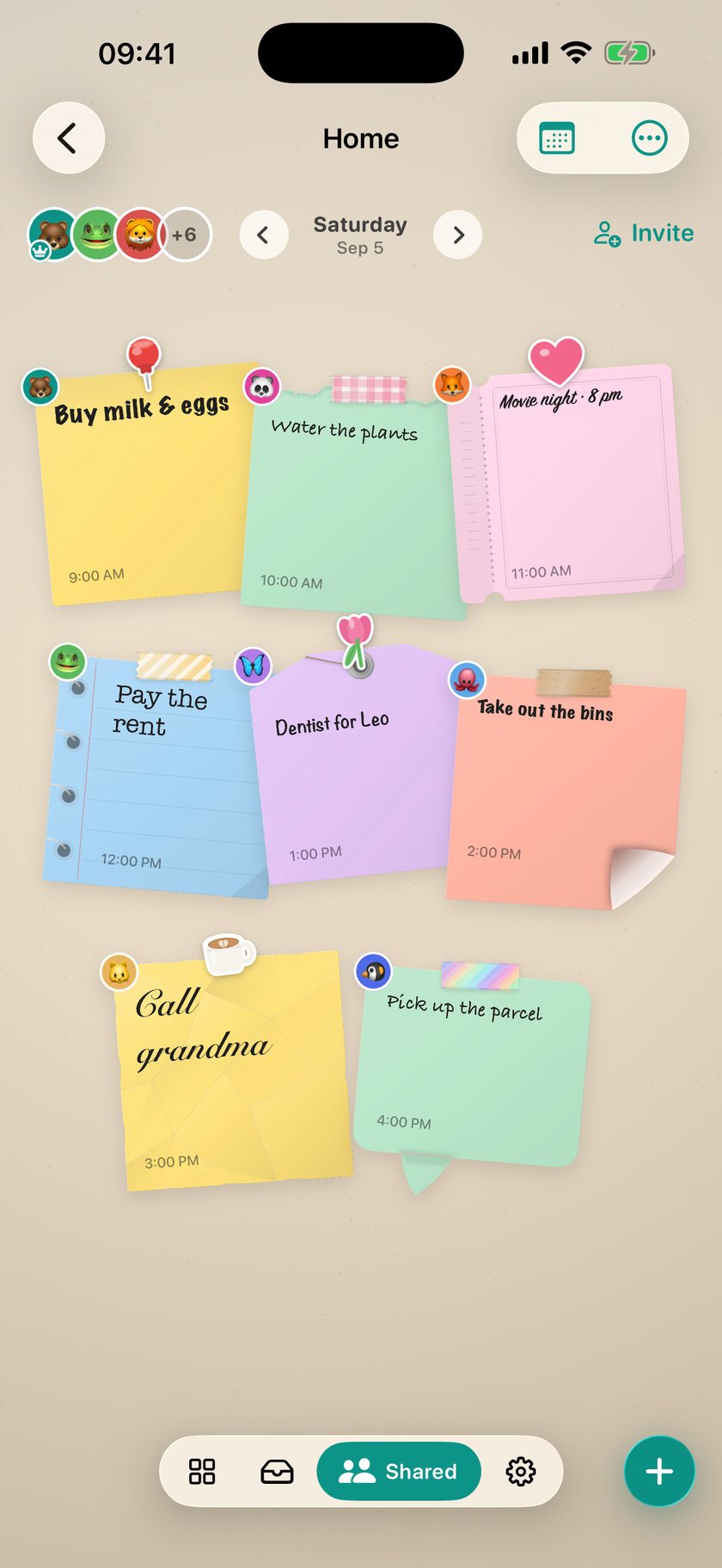
Torn edge, ticket, notebook page, tag, speech bubble, curled corner, crumpled, ripped side. Every note on this wall is a different sheet, drawn with real fibre and light, so nothing goes soft when it becomes your wallpaper.

Calligraphy, typewriter, brush, chalk, party, poster, code, elegant. Same paper, a different hand on every note; the size is yours too, from small to huge.

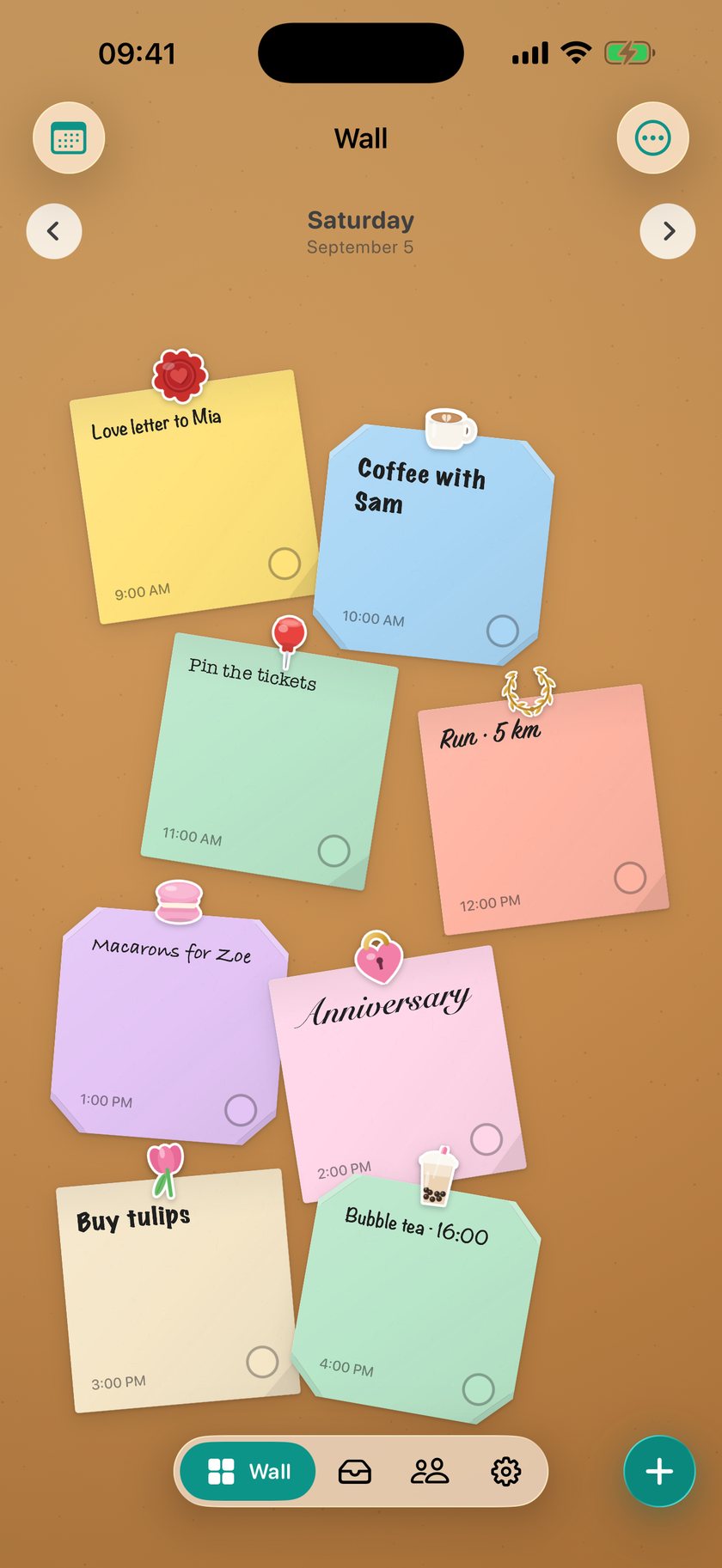
Wax seal, latte, pushpin, laurel, macaron, heart lock, tulip, bubble tea. Eighty-two stickers, all drawn, never blurry. Or pick a photo and DailyWall cuts your cat, your flower, your friend into a sticker on your device.

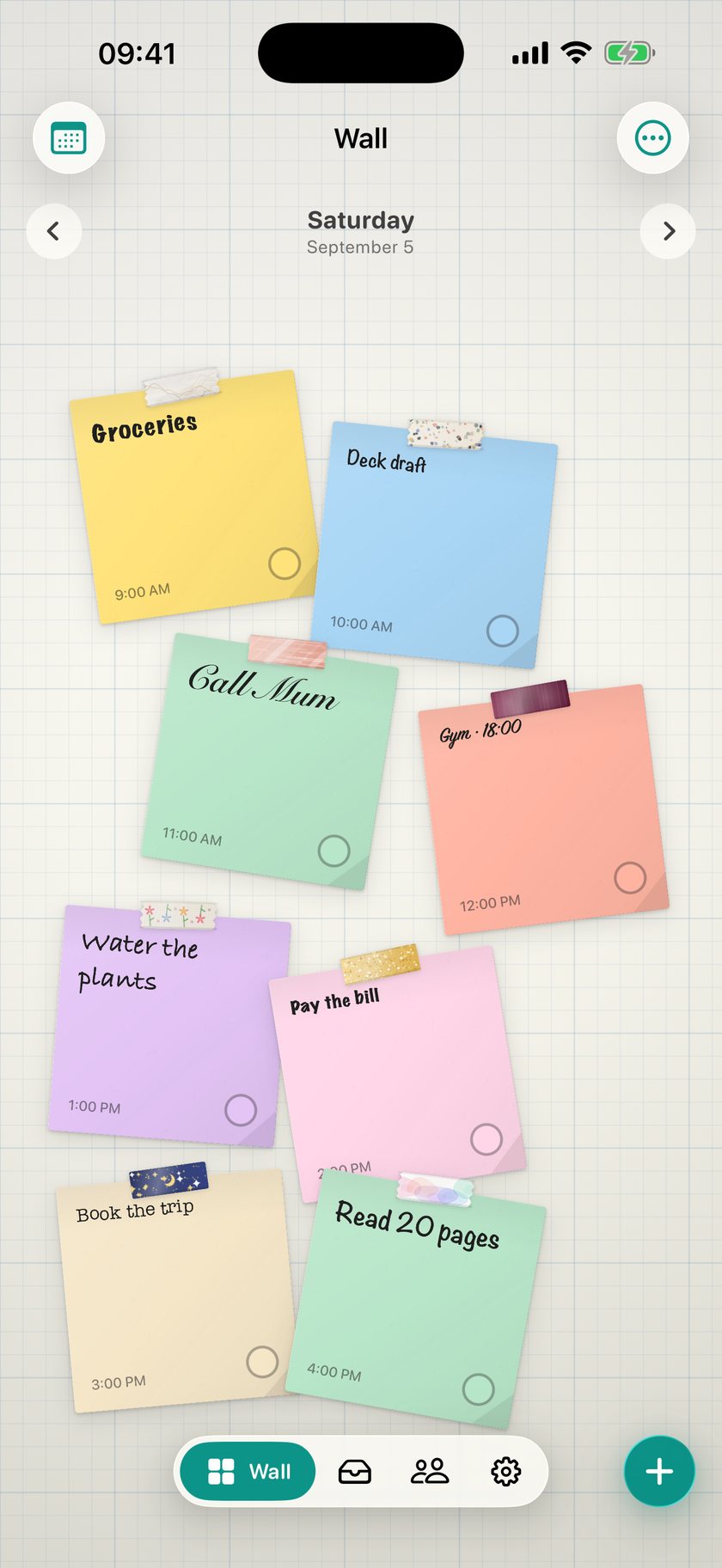
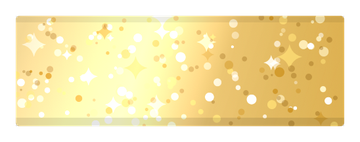
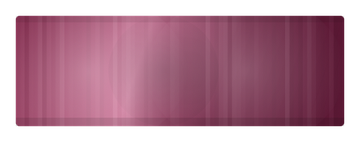
Marble, terrazzo, rose gold, velvet, embroidery, glitter, midnight, watercolour, each on its own note. Tape, sticker or nothing at all: the fastener is part of the note.

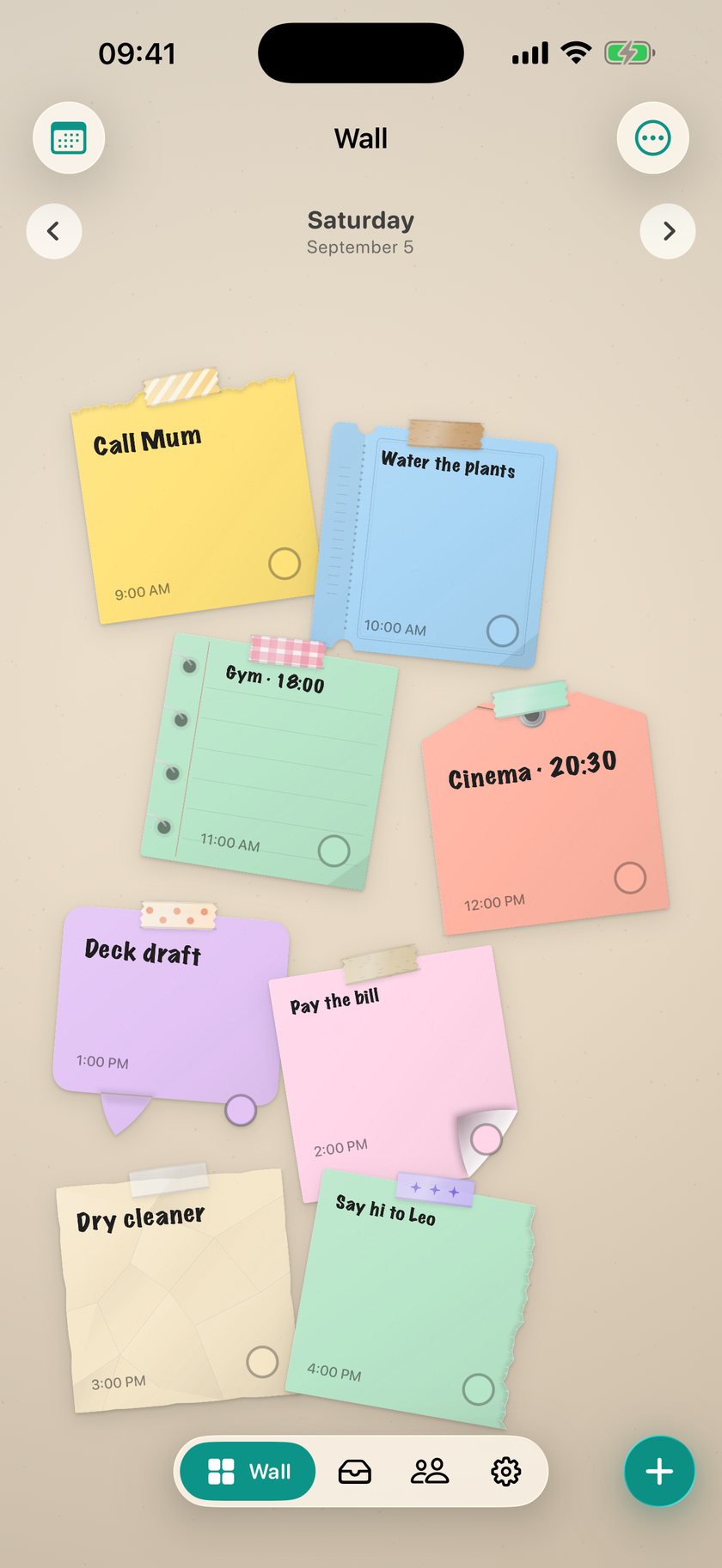
The day's wall becomes your Lock Screen wallpaper: the same paper, in the same places, at the same size. This isn't a mockup; it is the wallpaper the app produces. Set it up once with a one-minute video, and a Shortcuts automation does the rest whenever you leave the app. Your photo library stays untouched.

The wall · today
58 stickers and 48 tapes are free. DailyWall Pro adds 88 stickers, 48 tapes and 24 walls in 18 themed packs, and new ones arrive with every update.


Wax seal, doily, laurel, vintage key, lavender, tulip…


Paperclip, binder clip, pushpin, sticky flag, pencil, scissors…


Latte, bubble tea, croissant, macaron, matcha, onigiri…


Marble, terrazzo, rose gold, velvet, glitter, midnight…
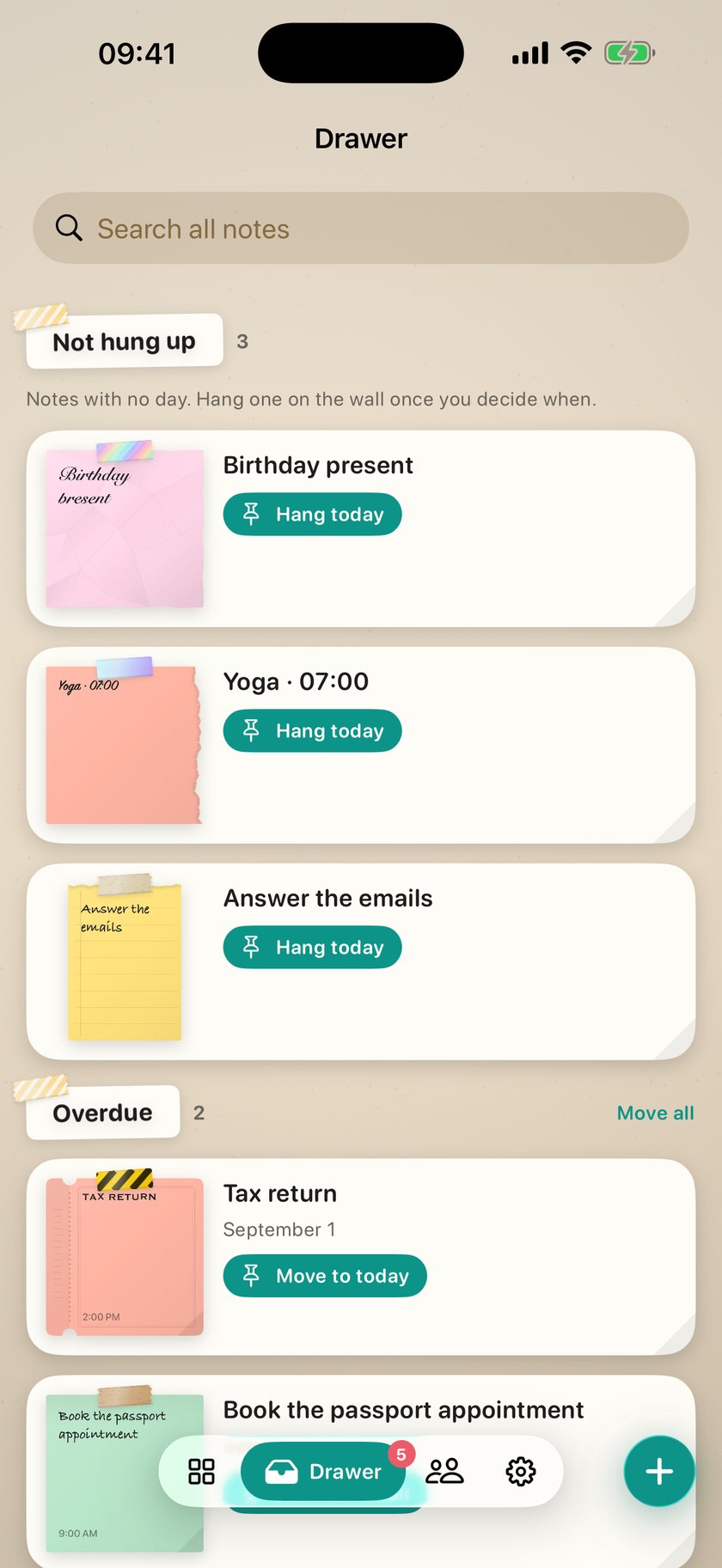
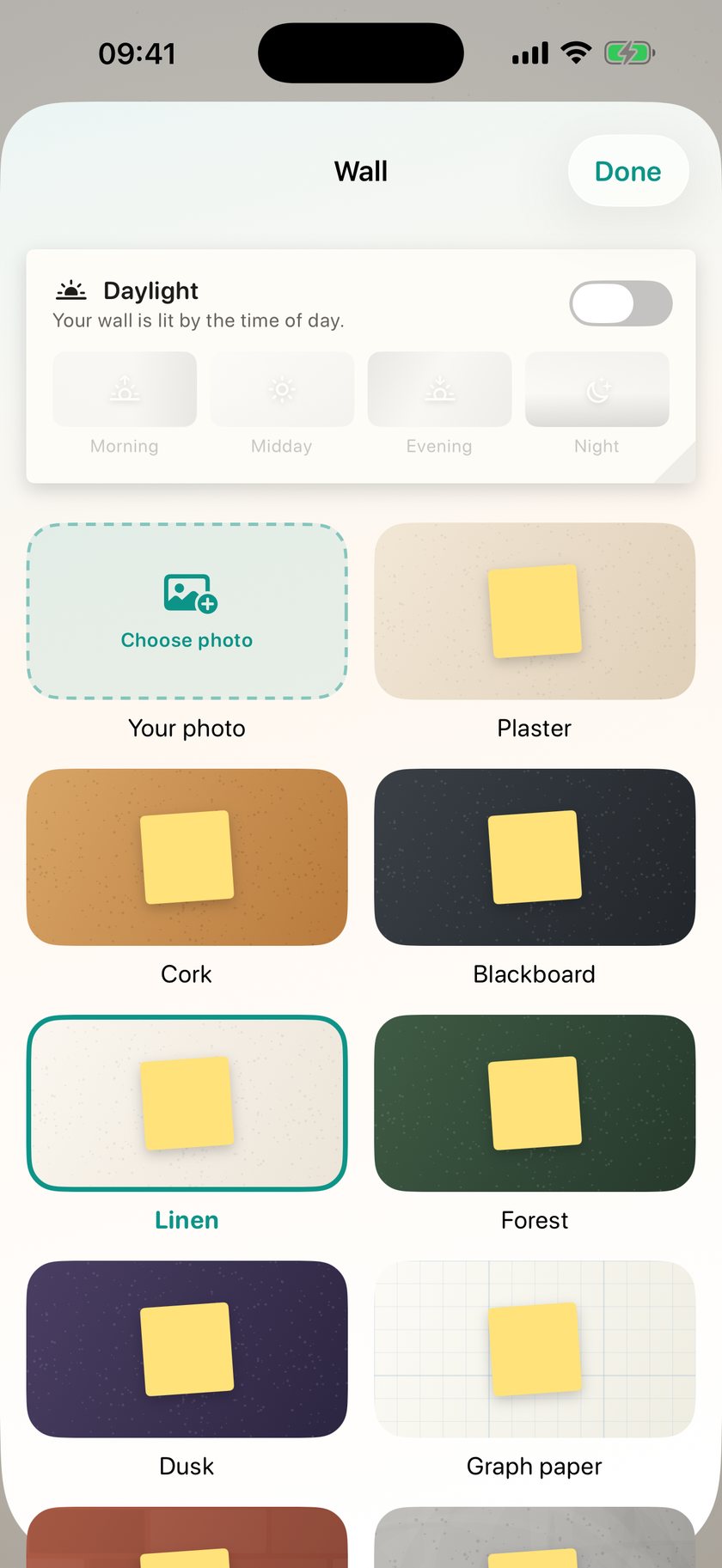
The drawer holds paper without a day and searches every wall you have made. The calendar takes you back to any day. And you choose the surface: fifteen walls, or a photo of your own.


Pro lifts the daily limit, removes the two-note limit on shared walls, keeps your wall in iCloud, and opens the Pro sticker and tape packs.
Prices are shown in your own currency on the App Store. A subscription renews automatically unless cancelled at least 24 hours before the current period ends; cancel any time in Settings → Apple Account → Subscriptions.
There is no account to create. Your notes live on your device and in your own iCloud account, where we cannot reach them.
Yes. iOS doesn't let any app change the wallpaper directly, so DailyWall renders the wall as an image and hands it to Shortcuts. You set up one automation and it runs itself after that. There's a one-minute video in Settings.
No. DailyWall never writes to Photos on its own and never deletes anything. A copy is saved only if you press "Save to Photos" yourself.
Creating a wall and inviting people is free, and everyone can hang two notes on each wall. Pro removes that limit for you.
Yes. Writing, drawing, ticking things off and the Lock Screen wallpaper all work with no connection. Shared walls sync when you're back online.
With Pro, yes, through your own iCloud account. There is no separate account to create, and we cannot reach that data.
Yes. Five notes a day, all 12 shapes, 20 hands, 58 stickers, 48 tapes, 19 walls and the Lock Screen wall are free. Pro adds unlimited notes, unlimited paper on shared walls, iCloud backup and the Pro packs. Both plans start with three free days.
Free to start. Five notes a day, every shape and hand, the Lock Screen wall. No account.
Download on the App Store